
Barcode Printer Downtime in UK Manufacturing: Common Causes and How to Prevent Them
When a barcode printer stops working mid-production, it can cause more than a little frustration. Products waiting for labels, delayed despatches and operators spending valuable time troubleshooting all contribute to manufacturing production downtime.
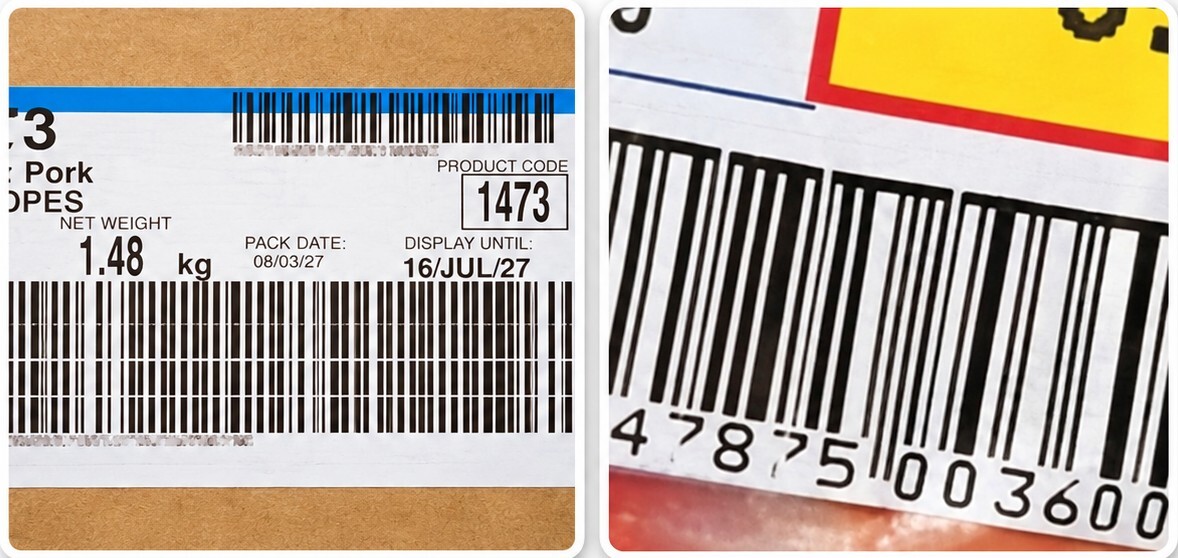
When a barcode printer stops working mid-production, it can cause more than a little frustration. Products waiting for labels, delayed despatches and operators spending valuable time troubleshooting all contribute to manufacturing production downtime.
So, what causes barcode printing systems to disrupt production in manufacturing plants?
Common causes include dirty or worn printheads, unsuitable labels and ribbons, media feeding problems, software faults and poor barcode quality. Fortunately, many of these issues can be prevented with regular maintenance, the right consumables and basic troubleshooting.
At Weyfringe, we've been supplying barcode and labelling systems to UK manufacturers for over 60 years. Here are five common problems, what you can do about them and how we can help.
5 Common Causes of Barcode Printer Downtime
1. Dirty or Worn Printheads
The problem: Faded printing, white lines through labels or barcodes that become difficult to scan.
Printheads are subject to wear, particularly in busy manufacturing environments. Dust, adhesive and ribbon residue can build up and affect print quality. Damaged printhead elements can also leave permanent white lines through printed barcodes.
What can you do?
- Clean the printhead using manufacturer approved products.
- Check for dust, adhesive or ribbon residue.
- Review your printer's heat and speed settings.
- If white lines remain after cleaning, seek technical advice.
How Weyfringe can help: We supply thermal printhead cleaning kits, genuine replacement printheads and technical support. Our team can help identify whether your printer needs a simple clean, replacement parts or a repair.
2. Incorrect Labels or Printer Ribbons
The problem: Smudged print, poor barcode quality or labels that don't perform as expected.
Not all labels and ribbons work together. A standard wax ribbon might be ideal for paper labels but unsuitable for synthetic materials exposed to heat, chemicals or abrasion.
Using incompatible consumables can create problems even when your printer is working perfectly.
What can you do?
- Check that your ribbon suits your label material.
- Make sure labels and ribbons are loaded correctly.
- Store consumables somewhere clean and dry.
- Test new combinations before introducing them into production.
How Weyfringe can help: We supply a wide range of labels and thermal transfer ribbons for different printers and applications.
Not sure which combination you need? Our team can advise, and we offer free ribbon samples so you can test before ordering.
3. Labels Not Feeding Correctly
The problem: Labels skipping, jamming, feeding unevenly or printing in the wrong position.
Incorrectly loaded rolls, dirty sensors, unsuitable settings and worn feed components are all possible causes.
What can you do?
- Check your label roll is loaded and aligned correctly.
- Inspect media sensors for dust or adhesive build-up.
- Confirm the correct label dimensions are selected.
- Recalibrate your printer following the manufacturer's instructions.
How Weyfringe can help: Our technical team can help troubleshoot feeding problems and advise on replacement parts where needed.
We also offer installation and operator training, helping your staff confidently handle everyday adjustments, consumable changes and basic maintenance.
4. Barcodes That Print but Won't Scan
The problem: Your labels look perfectly fine, but the barcodes aren't scanning reliably.
Poor contrast, incorrect barcode dimensions, insufficient quiet zones (the clear space around a barcode) and printing defects can all affect readability.
For manufacturers supplying retailers and distribution centres, barcode quality issues can result in rejected labels, re-labelling and additional delays.
What can you do?
- Check barcode size, positioning and contrast.
- Ensure there's sufficient clear space around the barcode.
- Look for missing lines, fading or smudging.
- Use a barcode verifier to assess print quality.
How Weyfringe can help: As an Axicon Accredited Sales and Certification Centre, we supply barcode verifiers that assess print quality against relevant industry standards.
We offer free demonstrations, training and advice to help you choose the right verification equipment.
5. Software or Communication Problems
The problem: Your printer is switched on and ready, but nothing prints, the wrong label comes out or information is missing.
Sometimes the problem isn't with the printer at all. Incorrect label settings, outdated drivers, connection issues or errors in the label design can all cause printing problems.
What can you do?
- Check that the correct printer and label template are selected.
- Make sure your printer is connected and receiving print jobs.
- Check that label dimensions and printer settings are correct.
- Try printing a test label to help identify where the problem lies.
How Weyfringe can help: We supply EasyLabel barcode labelling software, which makes it easy to design labels, manage variable information and print barcodes accurately.
Our team can help you choose the right software for your printing requirements, provide training and offer technical support if you encounter problem
Barcode Printer Troubleshooting: Quick Reference Guide
When production is being held up, identifying the likely cause quickly can make all the difference.
|
Problem |
What to check first |
|
Faded printing |
Printhead cleanliness, ribbon and heat settings |
|
White lines through labels |
Printhead contamination or damage |
|
Labels skipping or jamming |
Media loading, sensors and calibration |
|
Barcodes won't scan |
Print contrast, sizing and quiet zones |
|
Printer not receiving jobs |
Connections, settings and software |
|
Print smudging or rubbing off |
Label and ribbon compatibility |
A useful troubleshooting tip: If a fault keeps returning, change one setting at a time and test the result. This makes it easier to identify what's actually causing the problem rather than temporarily masking it.
How Can Manufacturers Prevent Barcode Printer Downtime?
Prevention doesn't have to involve complicated procedures or expensive equipment upgrades. A few simple habits can help reduce barcode printer failures and production line interruptions.
- Clean regularly. Follow the manufacturer's cleaning recommendations, particularly when changing ribbons or labels.
- Use the right consumables. Match labels and ribbons to your printer, application and operating environment.
- Verify barcode quality. Regular checks can identify deteriorating print quality before labels reach your customers.
- Train your operators. Make sure staff know how to load, clean and adjust printers correctly.
- Plan routine servicing. Preventative maintenance can help identify worn components before they cause unexpected stoppages.
For manufacturers operating several industrial labelling systems, keeping a simple record of recurring faults, maintenance and consumable changes can also help identify patterns.
A Tip From the Weyfringe Technical Team
"Don't wait until your print quality deteriorates before giving your printer some attention"
One of the simplest ways to prevent barcode printer problems is to clean the printhead regularly, rather than waiting until you notice faded print or white lines appearing.
Dust, adhesive and ribbon residue can build up gradually, particularly on printers used throughout the day. A quick clean using the correct products, following the manufacturer's instructions, can help maintain print quality and extend the life of your printhead.
It's a small job that could save you a much bigger headache later!
Barcode Printer Support That Doesn't Stop After the Sale
At Weyfringe, we don't just supply barcode printers and send you on your way.
From choosing the right industrial label printer and consumables to operator training, barcode verification, genuine spare parts and return-to-factory repairs, we're here to help.
We also offer maintenance contracts, and every product we supply comes with free lifetime technical support.
Whether you're dealing with recurring printer faults, looking to improve barcode quality or simply want advice on keeping your equipment in good condition, our team is here to help.
Printer playing up? Let's get it sorted.
Call 01642 490121 or email sales@weyfringe.co.uk to speak to our team.
Got Questions? We've Got Answers!
What causes barcode printing systems to disrupt production?
Common causes include dirty or damaged printheads, incorrect labels and ribbons, media feeding faults, software problems and unreadable barcodes. Regular maintenance, suitable consumables and operator training can help reduce production interruptions.
How can manufacturers prevent barcode printer failures?
Regular printhead cleaning, compatible consumables, correct printer settings, barcode quality checks and planned maintenance can all help reduce failures. Training operators to recognise early warning signs is equally important.
Why do barcodes print clearly but fail to scan?
Barcodes can fail because of insufficient quiet zones, poor contrast, incorrect dimensions or print defects that aren't immediately visible. A barcode verifier can identify quality issues that an ordinary scanner may not detect.
Can Weyfringe repair industrial barcode printers?
Yes. Weyfringe offers return-to-factory printer repairs, genuine spare parts and maintenance contracts for supported equipment, alongside free lifetime technical support for products supplied by Weyfringe.